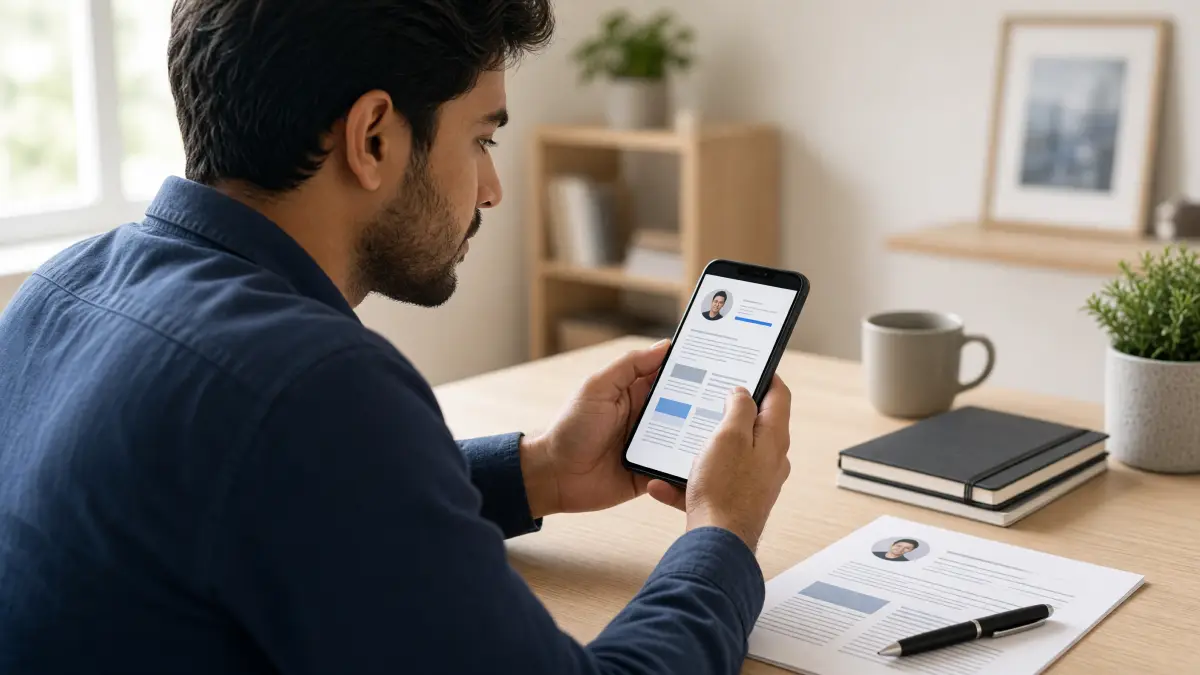
Your next job opportunity might arrive while you're commuting, on a lunch break, or sitting far from a desktop computer. That's exactly why having a reliable CV builder app on your Android phone matters more than ever in 2026. The best Android CV apps have moved well beyond basic text editing — they now offer professional templates, PDF export, ATS-friendly formatting, and real-time editing, all from the palm of your hand.
This guide breaks down the top CV builder apps available on Android right now, what separates the great ones from the frustrating ones, and how to get the most out of mobile CV creation. If you'd rather skip straight to building, you can build your CV free right now on any device — no app download, no signup, no watermark. Otherwise, read on for the full breakdown.
What Makes a Great CV Builder App for Android?
Not all CV apps are created equal. Many promise professional results but deliver cluttered interfaces, paywalled downloads, or templates that look nothing like what recruiters actually want to see. Before diving into specific apps, it's worth knowing exactly what separates a genuinely useful Android CV builder from one that wastes your time.
- Clean, recruiter-ready templates: The app should offer modern, professional designs — not flashy graphic templates that confuse ATS software. If you want to understand how to pass ATS screening, simple, well-structured layouts are non-negotiable.
- PDF export without watermarks: Any app that slaps a watermark on your downloaded CV is not a professional tool. Your CV should look polished the moment it lands in a recruiter's inbox.
- No mandatory signup: Forcing account creation before you can even see a template is a red flag. The best tools let you start immediately.
- Mobile-optimised editing: Tapping through tiny desktop-style menus on a phone screen is painful. A proper Android CV app is built for touch, with large fields, intuitive navigation, and easy section reordering.
- Offline capability or fast cloud sync: You may not always have a strong connection. Apps that save your progress reliably — whether offline or via cloud — prevent losing work mid-edit.
- Guidance and prompts: The best apps don't just give you a blank form. They suggest what to write in each section, flag missing content, and help you avoid the most common CV mistakes to avoid.
Top CV Builder Apps for Android in 2026
Here's an honest look at the leading options available on Android this year, covering what each does well and where it falls short.
1. FreeOnlineCVMaker (Browser-Based, Works on Any Android Device)
The most flexible option for Android users isn't a native app at all — it's a browser-based CV builder that works flawlessly on Chrome for Android. FreeOnlineCVMaker lets you create a fully formatted, ATS-friendly CV with no signup, no watermark, and no cost. You get access to clean professional templates, section-by-section guidance, and instant PDF download. Because it runs in your browser, there's nothing to install, update, or pay for — and your CV looks identical whether you build it on a phone, tablet, or desktop. For anyone who wants professional results without app-store friction, this is the strongest starting point.
2. Resume Builder & CV Maker (Google Play)
One of the most downloaded CV apps on the Play Store, this tool offers a wide range of templates and a guided step-by-step process that suits first-time CV writers. The interface is genuinely mobile-friendly, with large input fields and a progress tracker. The free tier covers most needs, though some premium templates require a subscription. PDF export is available on the free plan, which keeps it competitive. It's a solid choice for freshers and students building their first CV on mobile.
3. Canva (Android App)
Canva's Android app includes a large library of CV templates and gives you significant design freedom. It's particularly popular among creatives — UX designers, marketing professionals, and those in visual fields. The downside: many Canva CV templates are design-heavy and not ATS-compatible. If you're applying to companies that use automated screening software, a Canva CV with columns, icons, and graphics may never reach a human reader. Use it for creative roles where you'll send your CV directly to a person, not through an online portal.
4. CV Engineer
CV Engineer is a dedicated CV app with a clean Android interface and a focus on simplicity. It walks you through each CV section with prompts and tips, making it useful for people who aren't sure what to include. The free version has some limitations on template variety, but the core functionality — building and exporting a readable CV — works without payment. It also includes a job search feature that links to live listings, which adds useful context when you're tailoring your application.
5. LinkedIn (Android App)
LinkedIn's "Resume Builder" feature, accessible within its Android app, lets you generate a CV directly from your LinkedIn profile. This is a time-saver if your profile is already well-maintained and up to date. The resulting CV is clean and professional. The limitation is customisation — you're largely working with one template style, and the output can feel generic. It works best as a starting draft that you then refine using a dedicated builder. If you're applying internationally, check the relevant UAE CV format, UK CV format, or Canada CV format to make sure your exported CV meets local expectations.
Do's and Don'ts of Building a CV on Your Android Phone
| ✅ DO | ❌ DON'T |
|---|---|
| Use a browser-based builder for the most flexibility across devices | Use apps that add watermarks to your downloaded CV |
| Preview your CV in PDF format before sending it anywhere | Send a CV exported as an image file (JPG/PNG) — always use PDF |
| Choose a clean, single-column template for ATS compatibility | Use heavily designed templates with graphics, icons, or columns for corporate roles |
| Tailor your CV summary and skills for each job you apply to | Send the same generic CV to every employer without adjusting it |
| Proofread on a larger screen before submitting — phone screens hide errors | Submit a CV you've only ever reviewed on a 6-inch phone display |
How to Write a Strong CV on Mobile: Step-by-Step
Building a CV on your Android phone doesn't mean cutting corners. Follow this process to get professional results regardless of which app you choose.
- Gather your information first. Before opening any app, have your work history dates, job titles, employer names, qualifications, and contact details ready. Switching between apps to look things up mid-edit is frustrating on mobile.
- Choose a clean template. Pick a single-column, text-based template. Avoid anything with profile photo placeholders, coloured sidebars, or heavy graphics unless you're in a creative field applying directly to a person.
- Write a focused personal statement. Your opening summary should be 3–4 sentences that explain who you are professionally, your key skills, and what you're looking for. Read our CV personal statement guide for examples that actually work.
- List your experience in reverse chronological order. Start with your most recent role. For each position, include your job title, employer, dates, and 3–5 bullet points covering your key responsibilities and achievements. For more detail, see how to list work experience on your CV.
- Add your education and skills. Keep education concise unless you're a recent graduate. For skills, focus on specific, relevant competencies rather than vague terms like "good communicator." Our guide to writing your CV skills section covers exactly what recruiters want to see.
- Export as PDF and review on a larger screen. Email the PDF to yourself and open it on a desktop or tablet before sending any applications. This catches formatting issues that are invisible on a small screen.
Mobile CV Tips for International Job Seekers
If you're building a CV on Android for roles abroad, the format you use matters as much as the content. CV conventions vary significantly between countries, and using the wrong format — even with excellent content — can work against you.
For roles in the Gulf region, employers typically expect a more detailed CV that may include a photo and personal details. Check the Gulf countries CV format and the specific Saudi Arabia CV format before applying. For Germany, a structured Lebenslauf with a professional photo is standard — see the Germany CV format guide for specifics. For Pakistan-based roles, the Pakistan CV format has its own conventions worth reviewing.
The good news: browser-based builders like FreeOnlineCVMaker let you switch templates and adjust formatting quickly, making it easier to adapt your CV for different markets without starting from scratch each time.
Who Benefits Most from Mobile CV Builders?
Android CV apps and mobile-friendly builders are particularly valuable for specific groups of job seekers:
- Students and graduates who do most of their work from a phone and don't have regular access to a laptop. If you're writing your first CV, our first CV guide walks you through every section.
- Career changers who need to update and reframe their CV quickly when an opportunity arises. See our dedicated resources for career changers.
- Freelancers and contractors who regularly update their CV between projects and need a fast, reliable tool. Our freelancer CV page covers the specific format that works best.
- Job seekers returning after a career gap who want to rebuild their CV without the pressure of a formal desktop session. The CV after career gap guide addresses how to frame your history confidently.
Whatever your situation, the right mobile CV tool removes the friction between you and your next application. If your current CV isn't generating interviews, it may be worth reading why your CV isn't getting interviews before you apply again.
Build Your Professional CV — Free
You don't need to download anything, create an account, or pay a subscription to build a professional CV in 2026. Start building your CV now on FreeOnlineCVMaker — it works perfectly on any Android browser, gives you clean ATS-friendly templates, and lets you download your finished CV as a PDF with no watermark, completely free. Whether you're a student writing your first CV, a professional updating for a new role, or a freelancer between contracts, you can have a polished, ready-to-send CV in under 30 minutes.
Frequently Asked Questions
What is the best free CV builder app for Android in 2026?
The most reliable option is a browser-based builder like FreeOnlineCVMaker, which works on any Android device via Chrome. It requires no download, no signup, and produces a watermark-free PDF. For native apps, Resume Builder & CV Maker on the Play Store is a strong free option with mobile-friendly editing.
Can I build a professional CV entirely on my Android phone?
Yes. Browser-based CV builders work fully on Android phones, letting you fill in all sections, choose a template, and download a finished PDF. The main tip is to review your CV on a larger screen before submitting, as small displays can hide formatting issues.
Are CV builder apps on Android ATS-compatible?
It depends on the template. Apps like Canva use design-heavy layouts that ATS software often cannot read correctly. For ATS compatibility, choose a clean, single-column text-based template. Always check how to pass ATS screening before submitting applications through online portals.
Do Android CV apps charge to download the finished CV?
Many do. Some apps offer free building but require a paid subscription to download in PDF format, or they add a watermark to the free version. Always check the download terms before investing time in an app. FreeOnlineCVMaker has no download fee and no watermark, ever.
How long does it take to build a CV on an Android phone?
With your information ready — work history, education, skills, and contact details — most people complete a solid CV in 20 to 40 minutes using a mobile-friendly builder. Having everything prepared before you open the app cuts the time significantly and reduces frustration from switching between screens.
Ready to build your CV?
Use our free CV builder — ATS-friendly templates, guided sections, and clean PDF download. No sign-up required.
Build Your CV Free →