
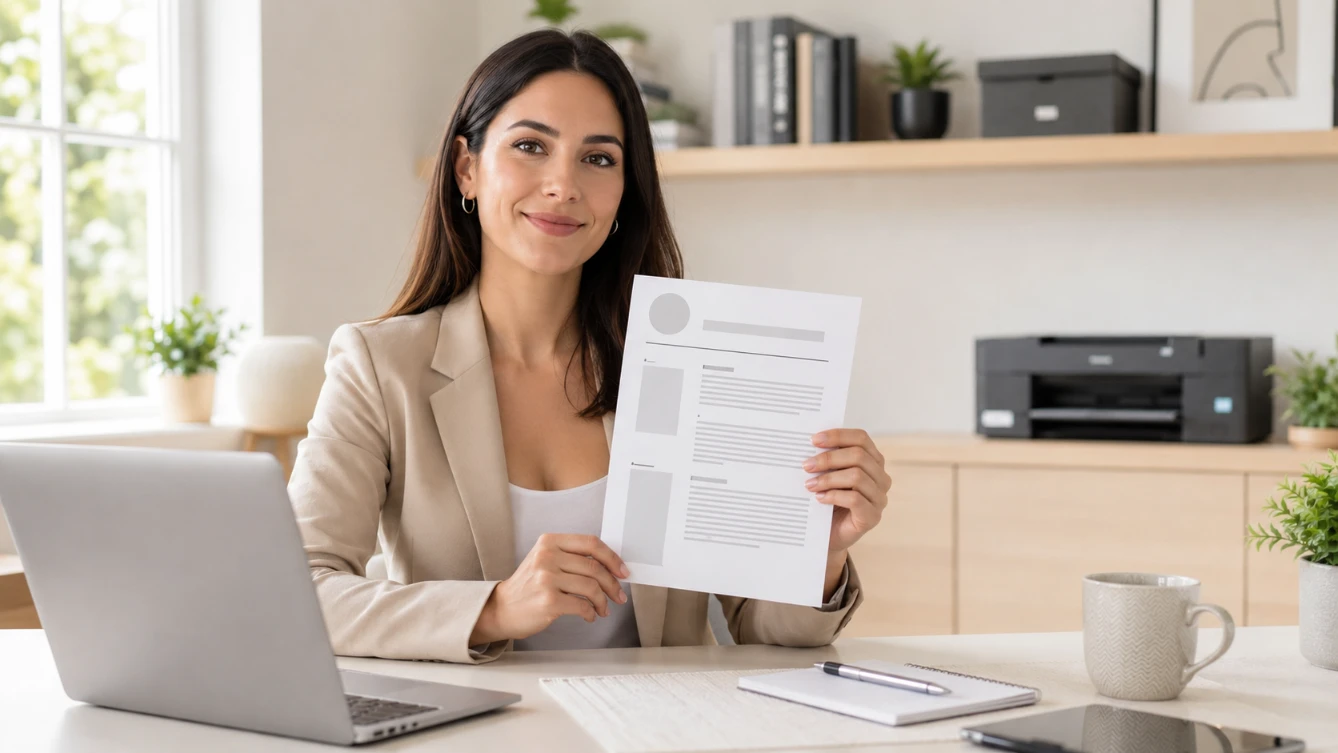
Most CVs are submitted digitally — uploaded to job portals, attached to emails, or submitted through company career pages. But there are still situations where a printed CV is exactly what you need — walk-in applications, job fairs, interview preparation, or direct submissions to employers who prefer paper. Having a CV that is ready to print — cleanly formatted, properly proportioned, and professionally presented — is as important as having one that looks good on screen.
This guide covers everything you need to know about printable CV templates — when to print your CV, how to format it correctly for print, how to get the best printed result, and where to download a free printable CV template right now. Use our free CV builder to create yours — all templates are optimised for both screen and print.
When Do You Need a Printed CV?
Walk-In Applications
Many businesses — retail, hospitality, construction, and smaller companies — still accept walk-in applications. Arriving with a clean printed CV immediately signals professionalism and preparation. A candidate who hands over a printed CV makes a stronger first impression than one who says "I can email it to you."
Job Fairs and Career Events
At job fairs — whether university career fairs or industry recruitment events — printed CVs are essential. Recruiters at these events collect physical CVs throughout the day and review them afterwards. Bring at least ten to fifteen copies to any job fair — more if multiple employers from your target sector are attending.
Interview Preparation
Always bring two to three printed copies of your CV to any interview — even if you applied digitally. Interviewers appreciate having a clean copy in front of them rather than scrolling through a laptop or phone. It also demonstrates preparation and professionalism.
Networking Events
Industry events, seminars, and professional networking gatherings occasionally present unexpected opportunities. Having a printed CV in your bag means you are ready for any conversation that develops into a professional opportunity.
Employer Preference
Some employers — particularly government departments, traditional industries, and smaller organisations — still prefer or request physical applications. For these applications, a high-quality printed CV is not optional.
How to Format Your CV for Printing
A CV that looks excellent on screen does not always print well. Formatting decisions that work digitally can produce poor results in print — dark backgrounds use excessive ink, very small fonts become unreadable, and certain colours do not reproduce accurately on standard office printers.
Paper Size
✓ Use These Paper Sizes
- A4 — standard in Pakistan, UK, UAE, Gulf, Australia, Germany, and most of the world
- US Letter (8.5 × 11 inches) — standard in USA and Canada
- Use the paper size standard for your target market
✗ Avoid These
- Non-standard paper sizes — A5, A3, or custom sizes signal unfamiliarity with professional conventions
- Using A4 format when applying to US employers — use Letter size for American applications
Margins
Standard margins of 2cm to 2.5cm on all sides ensure your content does not print too close to the edge of the page — which looks cramped and can be cut off by printers with narrow printable areas. Never reduce margins below 1.5cm to fit more content on the page.
Font and Font Size
The minimum readable font size for printed CVs is 10pt. Anything below this is difficult to read in print — even if it looks acceptable on screen. Use standard ATS-friendly fonts that also print cleanly — Calibri, Arial, Georgia, or Times New Roman. Read our complete CV fonts guide for full recommendations.
Colour
Most CVs use minimal colour — typically for section headings or subtle design accents. Consider how your CV looks printed in black and white — many office printers are black and white only, and a CV designed around colour may look flat or unintentionally faded when printed without colour.
Paper Quality
Standard 80gsm printer paper is acceptable for most purposes. For formal applications, high-stakes interviews, or senior roles — use 90gsm or 100gsm paper. Heavier paper feels more substantial when held and creates a slightly more premium impression. Avoid glossy paper — it is difficult to write on (interviewers sometimes make notes) and can look unprofessionally shiny.
How to Print Your CV Correctly
Always Print From PDF
Always print from your PDF file — never from a Word document or online CV builder interface. PDF preserves your formatting exactly — a Word document may reflow content differently when printed, particularly on printers with different margin settings than your computer.
Print at 100% Scale
Ensure your printer settings are set to print at 100% — not "fit to page" or any scaled percentage. Scaling changes font sizes and proportions, making your carefully formatted CV look different from what you designed.
Single-Sided Printing
Always print your CV single-sided — one page on each sheet of paper. Double-sided printing is not appropriate for CVs — it looks informal and makes navigation difficult for a recruiter flipping between pages.
Do Not Staple
For multi-page CVs — do not staple the pages together. Use a paper clip instead. Stapled CVs are more difficult to separate and file, and a recruiter who needs to copy or scan your document will not thank you for the staple.
Keep Printed CVs Flat
Carry printed CVs in a folder or document sleeve — never folded in a pocket or bag. A creased, folded CV creates a poor first impression before a recruiter reads a word. At job fairs, carry a folder with your CV copies flat inside.
Printable CV Template — What to Look For
Not every CV template is designed to print well. Here is what makes a CV template genuinely print-ready:
- White or very light background — dark backgrounds consume excessive ink and can look washed out on standard printers
- Standard paper proportions — designed for A4 or US Letter — not optimised for screen only
- Correct margin spacing — content does not extend too close to page edges
- Minimum 10pt body text — readable when printed at 100% on standard paper
- Clean section separation — clear visual hierarchy that works in both colour and black and white print
- ATS-safe formatting — no tables, no text boxes — compatible with both automated screening and physical review
All four templates in our free CV template library are optimised for both screen display and clean print output — white backgrounds, correct margins, readable font sizes, and clear section structure.
How to Get Your Free Printable CV Template
Go to the CV Builder
Visit freeonlinecvmaker.com/create-cv — no account or sign-up required.
Choose Your Template
Select from four professional templates at freeonlinecvmaker.com/templates. For printed CVs — Classic Traditional and ATS Clean print particularly cleanly due to their simple, single-column layouts.
Build Your CV
Complete all sections — personal information, summary, work experience, education, and skills. Guided prompts help you include everything you need.
Download as PDF
Click download — your CV exports as a clean PDF immediately. No watermark. No payment screen. The file is ready to print.
Print at 100% Scale
Open the PDF, set print scale to 100%, select A4 paper, print single-sided. Your clean, professional, printable CV is ready.
How Many Copies to Print
| Situation | Copies to Print |
|---|---|
| Standard job interview | 3 copies — one for each interviewer plus one spare |
| Panel interview — multiple interviewers | One copy per interviewer plus two spare |
| Job fair — single employer focus | 5 to 8 copies |
| Job fair — multiple employers | 15 to 20 copies |
| Walk-in application — one company | 2 to 3 copies |
| Networking event | 5 copies — just in case |
Printed CV Etiquette
- Keep copies flat — in a folder or document wallet, never folded
- Do not write on your own CV — bring a separate notepad for any notes you want to make
- Offer a copy proactively — "I have brought a copy of my CV — would it be helpful to have one?" signals preparation
- Match your printed and digital CV — your printed CV should be identical to the one you submitted digitally. Discrepancies raise questions
- Update before printing — always print from your most recent version. An outdated printed CV is worse than no printed CV
Build and Download Your Free Printable CV
Our free CV builder produces clean, print-ready PDFs — correctly proportioned for A4 paper, with standard margins and readable font sizes. Browse our professional templates and download your finished CV immediately. No sign-up required. No watermark. No payment.
For more on writing strong CV content, read our complete guide on how to write a CV and our CV mistakes guide.
Download Your Free Printable CV →
Frequently Asked Questions
How do I print my CV correctly?
Always print from your PDF file — not from Word or an online interface. Set print scale to 100% — not "fit to page." Print single-sided on A4 paper (or US Letter for American applications). Use 80gsm standard paper for most applications — 90 to 100gsm for important interviews. Do not staple multi-page CVs — use a paper clip. Carry printed copies flat in a folder.
Do I still need a printed CV in 2026?
Yes — in specific situations. Job fairs, walk-in applications, interviews, and networking events all benefit from a printed CV. Even if you applied digitally — always bring two to three printed copies to any interview. Recruiters and interviewers appreciate having a physical copy, and arriving prepared with one signals professionalism and attention to detail.
What paper size should I use for printing my CV?
A4 is the standard paper size in Pakistan, UK, UAE, Gulf countries, Australia, Germany, and most of the world. US Letter (8.5 × 11 inches) is the standard for the USA and Canada. Always use the paper size appropriate for your target market. All templates in our free CV builder are formatted for A4 by default.
How many copies of my CV should I print for a job fair?
For a job fair focused on a few target employers — print 8 to 10 copies. For a larger multi-employer event — print 15 to 20 copies. It is always better to have more than you need than to run out. The cost of extra copies is negligible — the cost of being underprepared at a valuable opportunity is not.
Can I download a free printable CV template without signing up?
Yes — at freeonlinecvmaker.com. Build your complete CV and download a clean, print-ready PDF without creating an account or providing an email address. No sign-up, no payment, no watermark. The PDF is correctly formatted for A4 printing at 100% scale — ready to print immediately after download.
Ready to build your CV?
Use our free CV builder — ATS-friendly templates, guided sections, and clean PDF download. No sign-up required.
Build Your CV Free →