
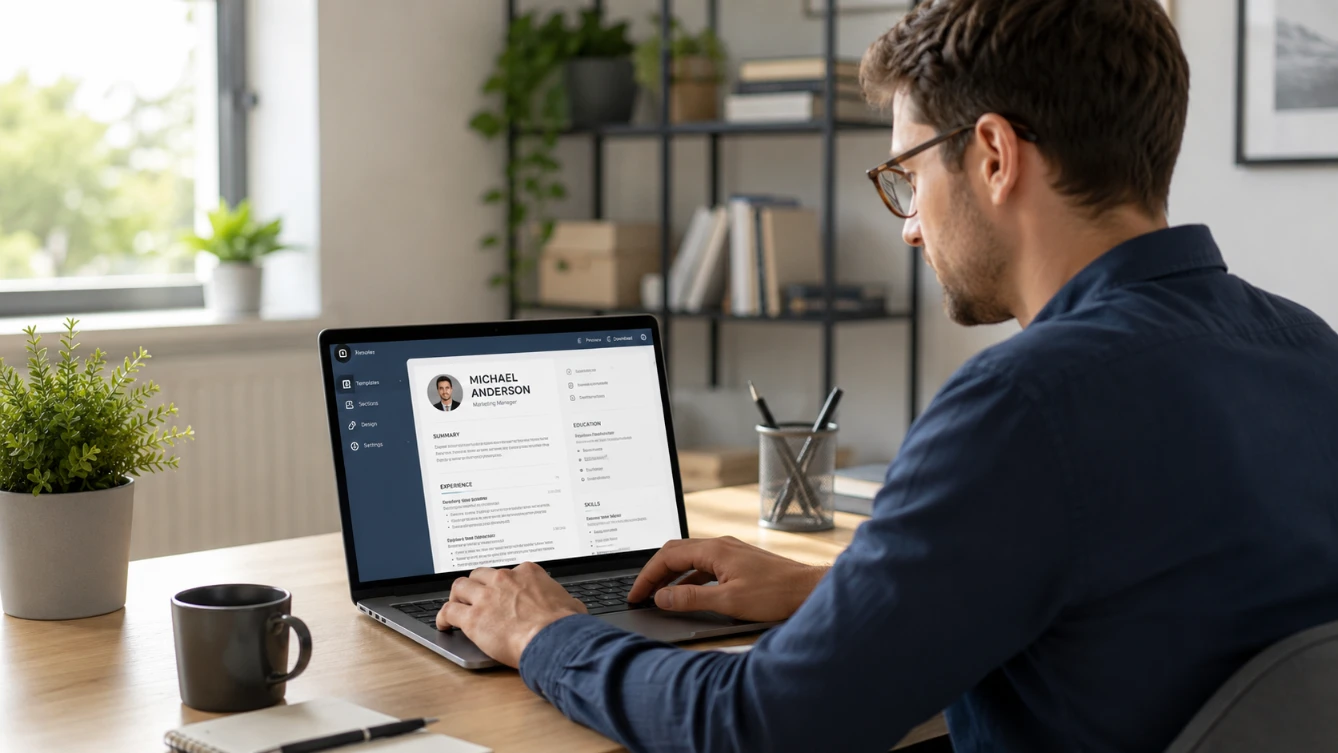
Making a CV online is faster, easier, and more effective than building one from scratch in a word processor — particularly if you are creating your first CV or returning to the job market after a period away. The right online CV builder handles formatting, structure, and ATS compatibility automatically — leaving you to focus entirely on the content that matters most: your experience, skills, and achievements.
This guide covers exactly how to make a CV online — step by step — using our free CV builder. No design skills needed. No sign-up required. No payment at any stage.
Why Make Your CV Online Rather Than in Word?
Most job seekers still default to Microsoft Word when creating a CV — but an online CV builder consistently delivers better results for most people. Here is why:
✓ Online CV Builder Advantages
- ATS-friendly formatting built in — no risk of broken parsing
- Professional design from the start — no formatting skill required
- Guided sections — prompts tell you what to include in each part
- Clean PDF export every time — consistent across all devices
- Works on any device — phone, tablet, or laptop
- Free options with no watermark available
- Faster to complete — structure is already there
✗ Word Disadvantages
- Tables and text boxes frequently break ATS parsing
- Formatting requires design knowledge
- Blank page is intimidating — no guidance on structure
- PDF export can shift formatting unexpectedly
- Requires Microsoft 365 subscription
- Formatting can break when opened on different devices
- Takes significantly longer for first-time CV writers
Read our complete comparison in our CV maker vs Word guide for more detail.
What You Need Before You Start
Before opening the CV builder — gather this information so you can complete your CV in one sitting without needing to stop and search for details:
Personal Information
Full name, phone number, professional email address, city, and LinkedIn profile URL if you have one.
Work History
Job titles, employer names, locations, and start and end dates (month and year) for each role. For each position — think of two to three specific achievements with numbers or outcomes.
Education Details
Qualification names, institution names, locations, graduation years, and grades or CGPA if strong.
Skills List
Technical skills, software, tools, languages, and professional certifications relevant to your target role.
Target Role or Job Description
If you are applying for a specific role — have the job description open so you can match your language and keywords to the employer's requirements.
Step-by-Step — How to Make Your CV Online
Step 1 — Choose Your Template
Go to freeonlinecvmaker.com/templates and choose from four professional, ATS-friendly templates:
- Modern Professional — two-column layout — best for corporate, technology, and business roles
- Classic Traditional — single-column formal — best for government, legal, and academic applications
- Executive Grid — strong header — best for senior management and director roles — see our managers CV guide
- ATS Clean — simple single column — best for large company applications where ATS screening is likely
Step 2 — Fill In Your Personal Information
Enter your name, professional title, phone number, email, city, and LinkedIn URL. Double-check every detail — a typo in your phone number or email address means a recruiter who wants to contact you cannot reach you.
For Pakistan and Gulf applications — include a professional photo and your nationality. For UK and North American applications — omit photo and personal details beyond your city. Read our country-specific guides for Pakistan, UAE, and UK for full conventions.
Step 3 — Write Your Professional Summary
Your professional summary is the first thing a recruiter reads — three to five lines introducing who you are, your strongest credential, and what you are looking for. Write it last if possible — after completing the rest of your CV, you will have a clearer picture of what your strongest points are.
Read our complete guide on how to write a CV personal statement for examples at every career level — from freshers to executives.
Step 4 — Add Your Work Experience
Add your roles in reverse chronological order — most recent first. For each role:
- Job title — your exact official title
- Employer name and city
- Start and end dates — month and year
- Three to five bullet points — each starting with a strong action verb and ending with a specific outcome
The most important rule — write achievement-focused bullet points, not duty descriptions. "Grew online sales by 34% through a Google Ads restructure" is far stronger than "Responsible for managing Google Ads campaigns." Read our guide on how to list work experience on a CV for full guidance.
Step 5 — Add Your Education
List your qualifications in reverse chronological order — most recent first. Include qualification name, institution, location, dates, and grade or CGPA if strong.
For Pakistani candidates — include Matric and Intermediate for fresher applications. For experienced professionals with five or more years of work history — education can be condensed to degree level only.
For graduates and freshers — education leads the CV above work experience because it is the primary credential at this stage.
Step 6 — Add Your Skills
List your technical skills, software, tools, languages, and professional certifications. Be specific — "Python" is more useful than "programming languages." "Google Analytics" is more useful than "analytics tools."
If you are applying for a specific role — compare your skills section against the job description and update your language to match the employer's exact terms. Read our CV keywords guide for the full strategy.
Step 7 — Review and Check
Before downloading — run through this final checklist:
Contact Details Correct
Check phone number, email, and LinkedIn URL for typos. Test the LinkedIn link.
Summary Is Specific
Could it apply to any other candidate? If yes — rewrite it to be specific to your background and target role.
Bullet Points Have Numbers
Do your work experience bullet points contain specific outcomes and numbers? If not — add them.
Skills Match Job Description
Do your skills use the same language as the job description? Adjust keywords to match.
No Spelling Errors
Read the full CV out loud — you catch errors reading aloud that your eyes miss silently.
Right Length
One page for freshers. Two pages for experienced professionals. Every line earns its place.
Step 8 — Download Your CV as PDF
Click download — your CV exports as a clean, properly formatted PDF immediately. No watermark. No payment screen. No upgrade prompt. The file is ready to attach to any job application.
Save with a professional filename — YourName-CV.pdf or YourName-CompanyName-CV.pdf for tailored versions.
Tips for Making Your Online CV Stand Out
- Tailor for each application — adjust your summary and skills language to match each job description. Read our CV tailoring guide for the process.
- Write the summary last — after completing the rest of your CV you will write a more accurate and compelling summary than if you start with it.
- Use numbers everywhere — specific numbers make achievements credible and memorable. Team sizes, revenue figures, percentages, time savings — quantify everything you can.
- Avoid overused phrases — remove "hardworking", "team player", "results-driven" — these add nothing. Read our overused CV phrases guide for what to write instead.
- Keep it focused — every line should directly support your application. Cut anything that does not.
Make Your CV Online Free — Right Now
Our free CV builder is ready to use right now — no sign-up, no payment, no watermark. Four professional ATS-friendly templates available at freeonlinecvmaker.com/templates. Build your CV in fifteen to thirty minutes and download a clean PDF immediately.
Make Your CV Online Free — Start Now →
Frequently Asked Questions
How long does it take to make a CV online?
Most candidates complete a full CV in fifteen to thirty minutes using an online CV builder — particularly if they have their work history, education, and skills ready before starting. The guided sections remove the blank-page problem of starting from scratch and the formatting is handled automatically, so the entire time can be focused on content.
Is it free to make a CV online?
Yes — at freeonlinecvmaker.com. Build your complete CV, choose from four professional templates, and download a clean PDF with no watermark at no cost. No sign-up or account required. No premium tier or subscription. No payment at any stage of the process.
Can I make a CV on my phone?
Yes — our free CV builder works on any device with a browser — phone, tablet, or laptop. The interface adapts to smaller screens and the download works on mobile devices. You can build your complete CV on your phone and download the PDF directly to your device.
What should I include when making my CV online?
Your CV should include personal information, a professional summary, work experience in reverse chronological order, education, and skills. For Pakistani and Gulf applications — also include a professional photo and nationality. For UK and North American applications — omit photo and personal details. Read our complete guide on what a CV should include for full section guidance.
How do I make my online CV ATS-friendly?
Use an ATS-tested template — all four templates in our free CV builder are designed for ATS compatibility. Avoid uploading CVs built with tables or text boxes. Include keywords from the job description naturally throughout your CV. Save as PDF using the builder's export function. Read our complete ATS screening guide for the full checklist.
Ready to build your CV?
Use our free CV builder — ATS-friendly templates, guided sections, and clean PDF download. No sign-up required.
Build Your CV Free →